Right, to spoil it;
It was really badly made.
Like absolutely horribly, don’t expect miracles.
However, that doesn’t mean - as you said - you are unable to learn, just be wary of the code and other major mishaps.
Right, to spoil it;
It was really badly made.
Like absolutely horribly, don’t expect miracles.
However, that doesn’t mean - as you said - you are unable to learn, just be wary of the code and other major mishaps.
it works up to the title screen, but you can’t actually load in to the map as a character unfortunately
actually let me see if I can make is playable
I can possibly debug it to make it function, I’ll write here whenever I make it function.
Well… that was easy.
Notes;
Steps to fix;
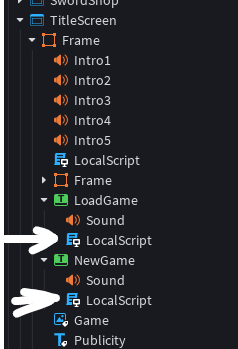
Find TitleScreen in Lighting.
These two scripts were server-sided, hence they don’t function in GUI.
Therefore, switch them to LocalScript, exact same code.
what did ya do
It’s a stupidly easy solution as I edited into my message.
I wondered how to making a working magic Circle like AO’s

Like turn decal? Into A Emitter or something
Separate main icon and Magic circle that spinning
Plus projectile and hit box too shit seem complex to me (I can’t sleep because this curiosity)
I know that it have to insert Animation ID and Sound ID for sure
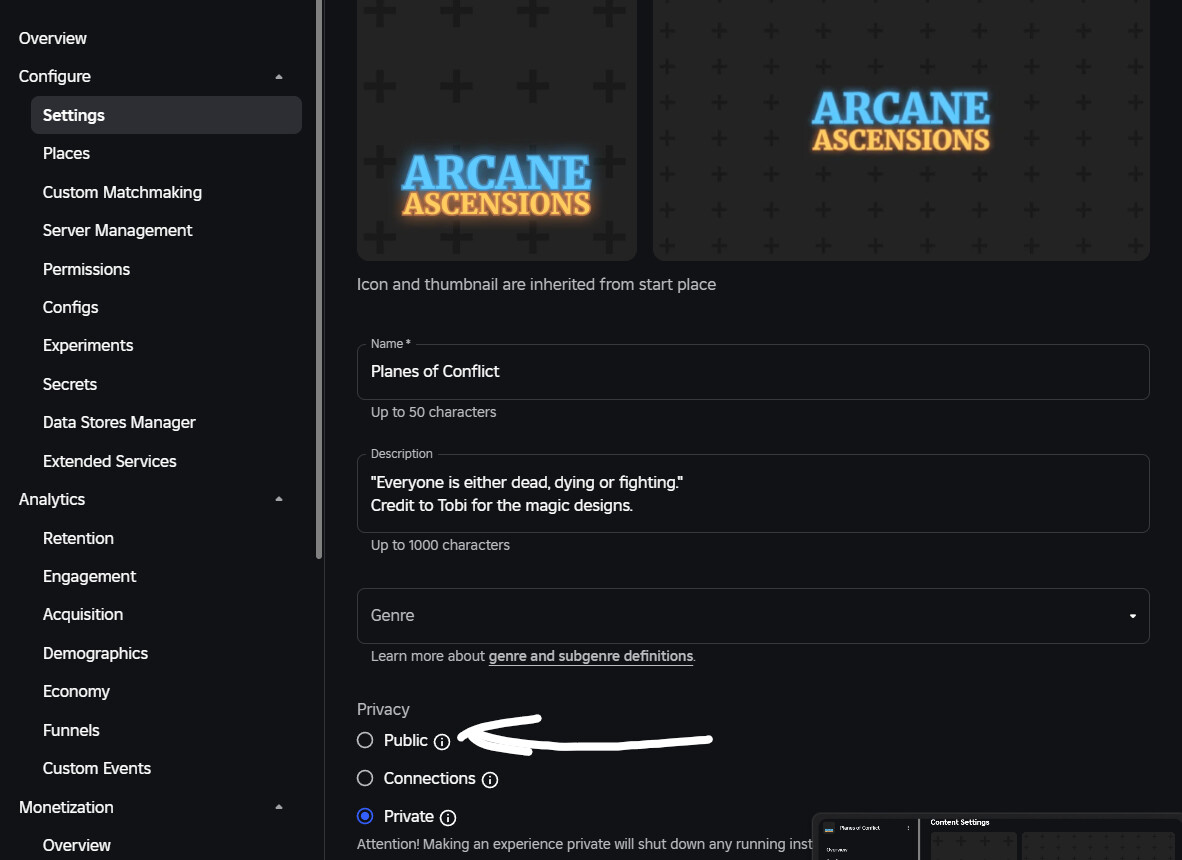
I have no idea how to make the game joinable.
I selected that everyone can join but on the website it still says unavailable
you could just always open it in studio and use the test feature
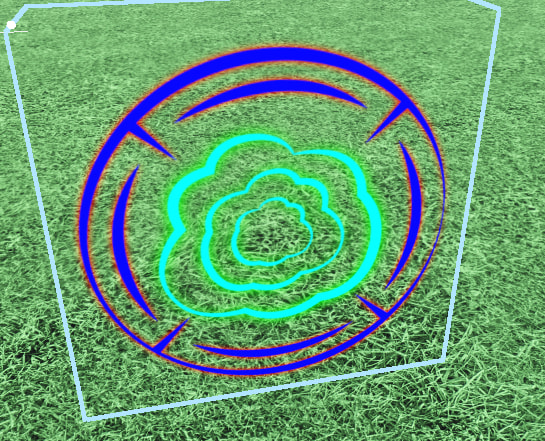
My solution is to have a flat part with two SurfaceGui, an image for Circle and Icon, and a seperate image for the glow around Circle and Icon.
It allows for things like a white glow around a black circle and icon.
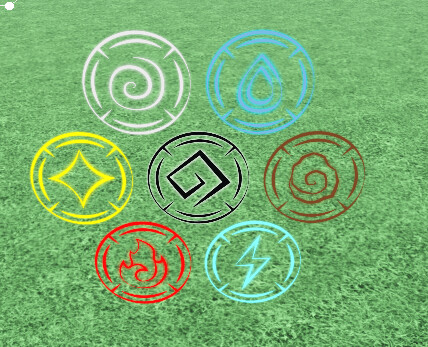
Showcase in a way that shows all segments.
I see man!
Well still curious about it attached Infront of player (depends on custom skill for)
Ex
Like Blast, shooting from right hand the magic Circle glow and spinning itself and icon stand still which blst out projectile that has hitbox for explode
(I can see why being dev is actually required EVERYTHING and thoughts, responsibility and personal skills
I’m still a bit iffy on my own approach.
Before I decided to scrap my own blast ability, I used a loop to keep the blast an offset from the character’s origin every frame.
However, in my future blast ability, I want to merely weld the circle to the
character with an offset on the weld, so I do not have to worry about manually offsetting each frame and can just let the physics engine do its work.
yeah I did that, but it doesn’t seem to do help
Talking about Wielding
Do you know about Wielding constant,man?
Like connected accessories to body part
If not, it’s fine man
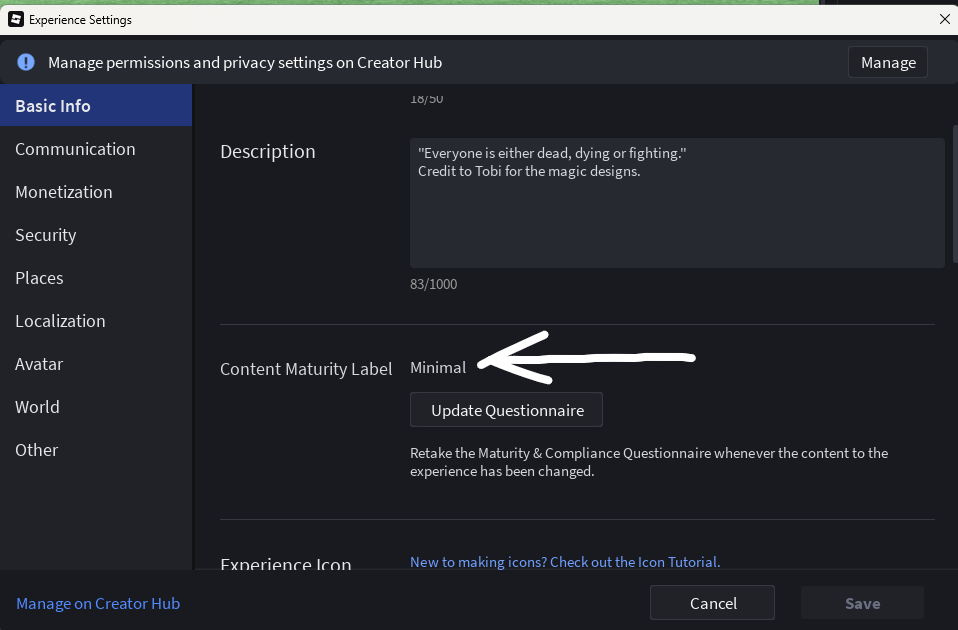
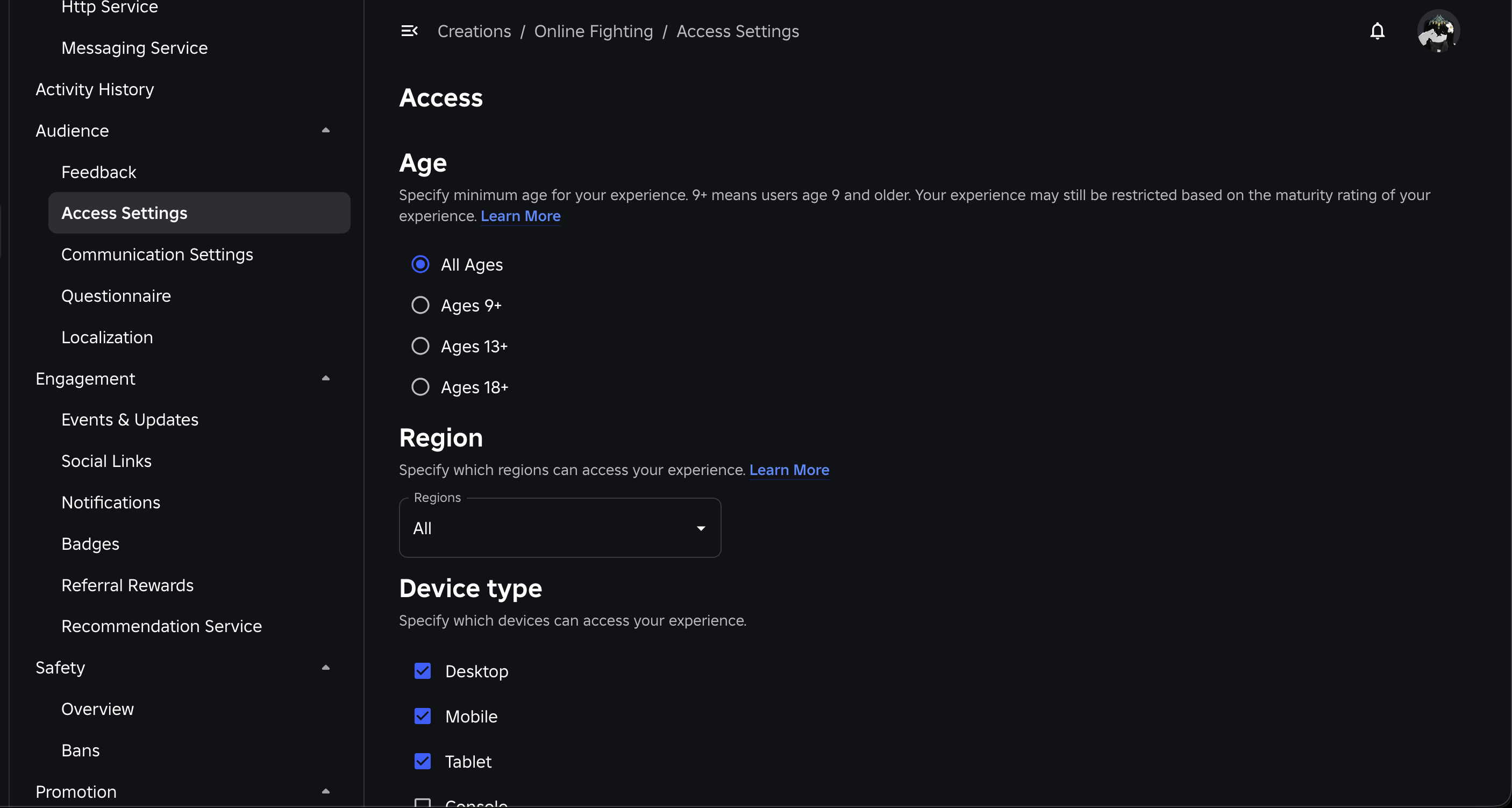
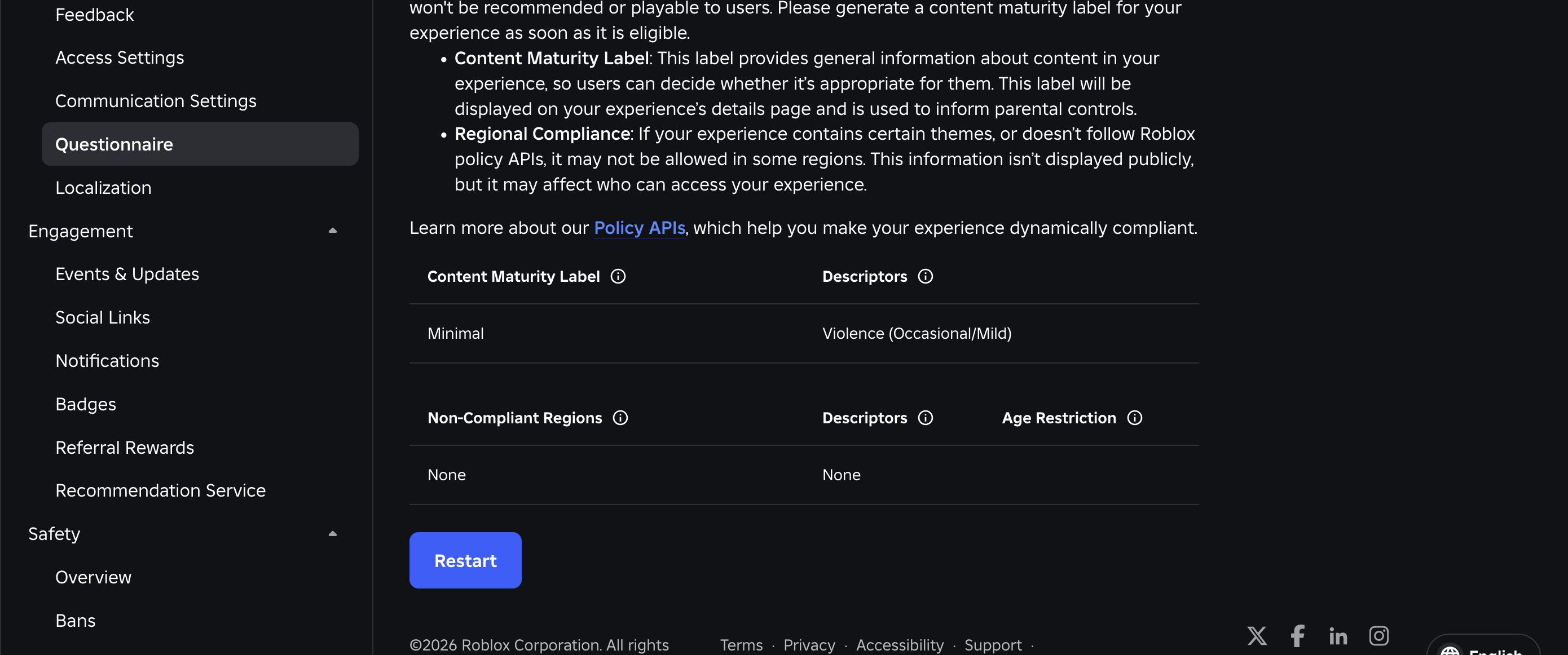
May I see the Experience Settings?
And possibly the settings where you decide who can join?
Cuz this one baffled me when I use it connected accessories handle to limbs and doesn’t work
Welding constant?
Accessories use the same welding I’m planning to use[1]; they utilize C0[2] and C1[3] to calculate the offset.
Welds need a Part0 and a Part1, think of it as, connecting “Part1” to “Part0”.
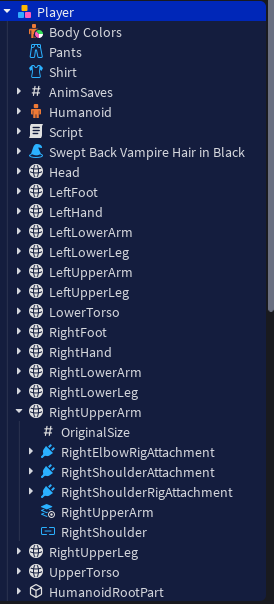
Accessories on the otherhand automatically handle welds based on the character’s attachment, e.g. if you require an attachment to be a part of the shoulder, you’d name the attachment under the accessory (if said attachment doesn’t exist, then create one) “RightShoulderAttachment” as seen here;
New Roblox UI for releasing Rblx Studio as a game? Holy